
Bipsync Windows Add-Ins
The Windows Add-Ins provide Add-Ins for the MS Office Suite and Adobe Acrobat/Reader. For an improved experience, consider the Office 365 Add-ins.
Installation Guide
- Download the installer via the web app, the installer can be found in Settings -> Apps & Add-ons -> Windows Add-Ins.
- Find the installer on your machine once it has downloaded (Bipsync.Addins.x64.exe). Double-click the installer to start the installation process.
- You will be guided through the process and see several screens.
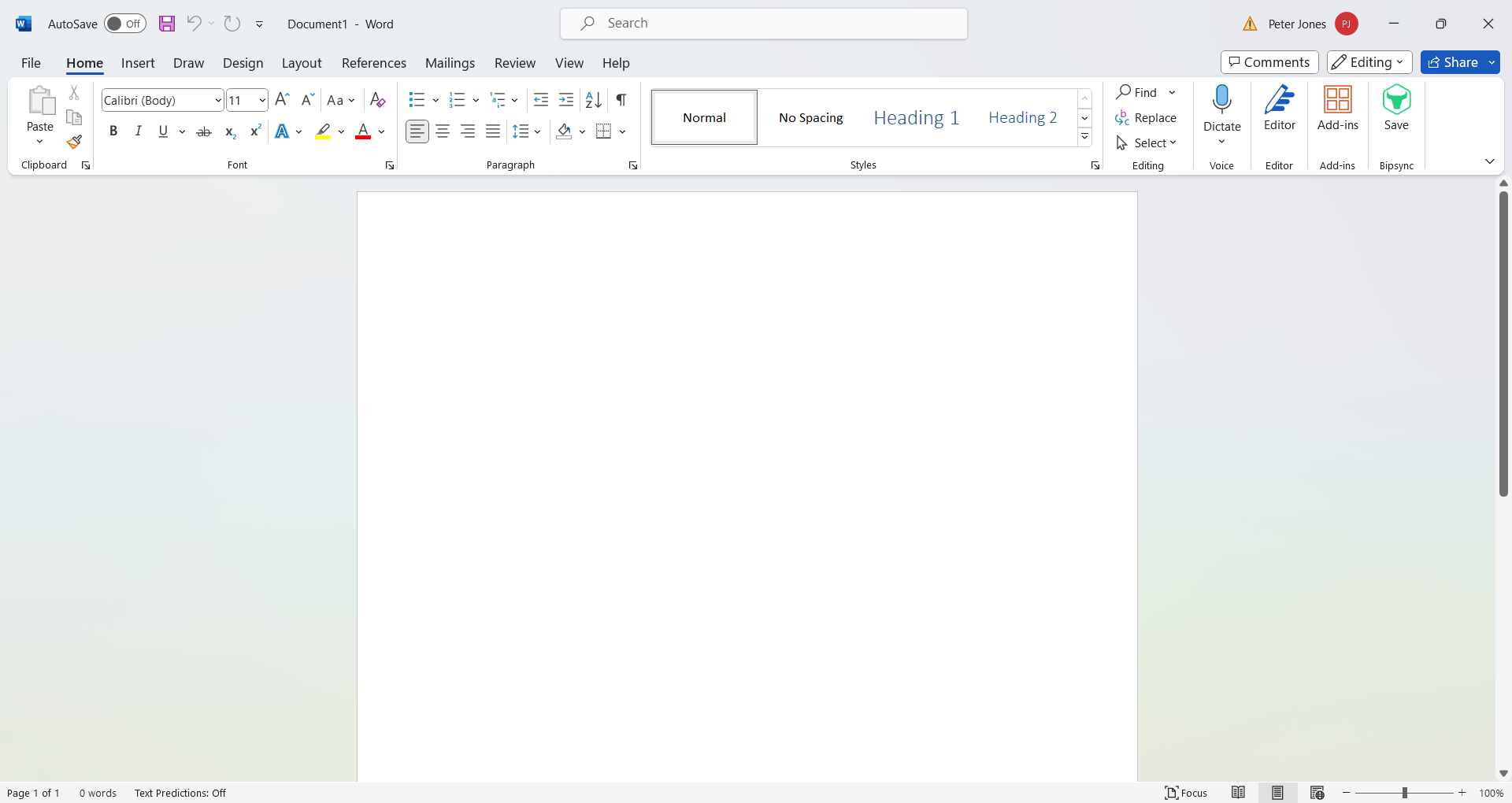
- Once installed the add-in is accessed via the Save button (Bipsync icon) on the Home toolbar in Microsoft Excel, Powerpoint and Word, for example:
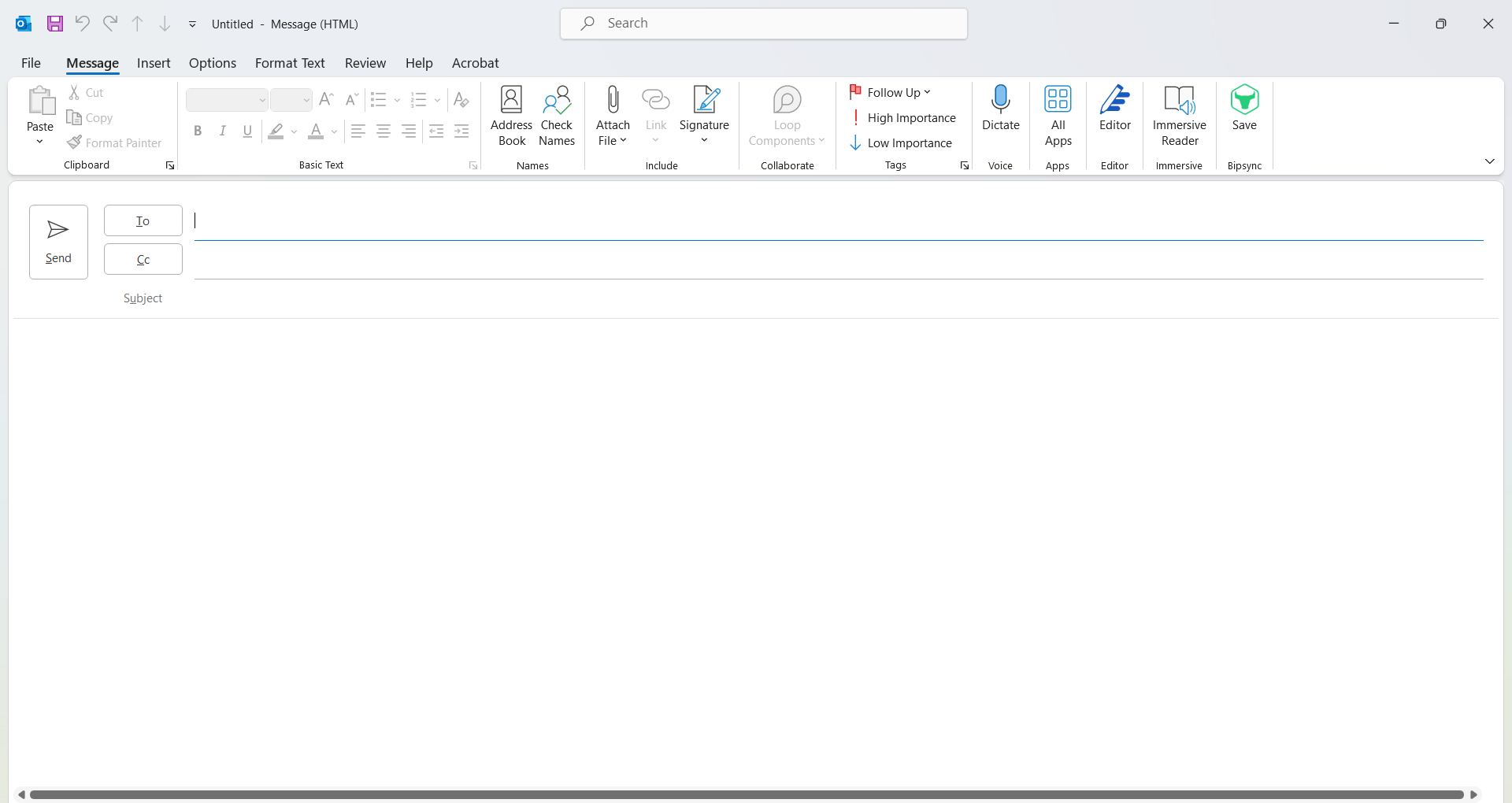
- In Outlook, you will also see the save button on the Message toolbar:
- On the first run of the add-ins you will be prompted to enter your domain .e.g yourcompany.bipsync.com then your credentials, these are the same credentials used for logging into the web app. If SSO is enabled please follow the login process for your SSO Provider.
Updated 7 months ago