
Data Connector
Connect a third-party BI tool to the RAP database via ODBC
Our Report Builder allows the datasets you create to be viewed and exported as one-off Excel spreadsheets. But to analyze your data consistently and in detail, you'll likely need to employ a Business Intelligence application. This will allow you to slice and dice the data however you see fit, combine it with other data sources you may have, create charts for visualisation, and so on.
The method we use to achieve connectivity is Open Database Connectivity (ODBC). Using ODBC, Bipsync officially supports the following Business Intelligence solutions:
- Microsoft Power BI
- Tableau
- Microsoft Excel
but in theory, any ODBC-compatible solution will work.
Establishing your ODBC Credentials
In order to establish a connection, you first need to create an ODBC user within the Business Insights app.
Click the icon with your user's initials in the top-left hand corner of the app, then choose the ODBC Credentials option:
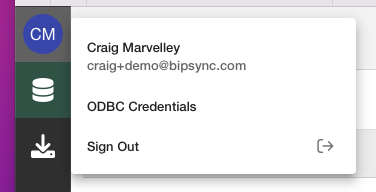
This will take you to the following screen:
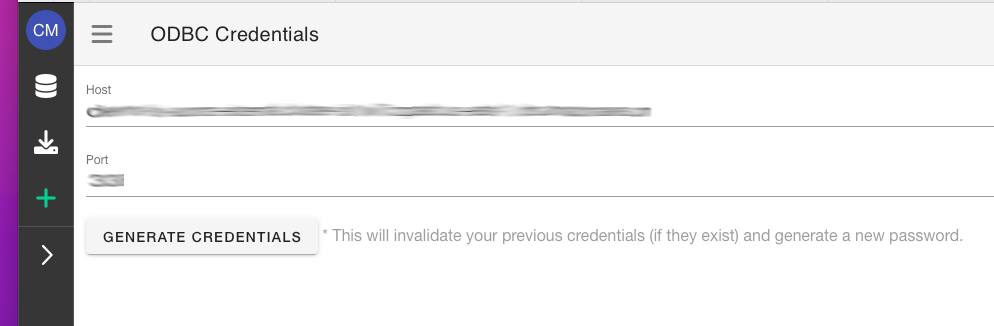
Click the "Generate Credentials" button and you'll be provided with a username and password, along with all the other config you'll need to connect an application to the Business Insights app via ODBC:
- Host
- Port
- Username
- Password
Note that all credentials expire after a given period of time. The duration is configurable.
Now that you have them, you're ready to connect an app!
Updated about 1 year ago