
Microsoft Teams Integration
Learn how to share content to your Microsoft Teams channels
The Bipsync Microsoft Teams app allows users to post research to one or more channels across any joined teams.
Installation
In order to use the app there are two install steps, the first is to associate your Bipsync account with your Microsoft Teams account.
This will also grant the Bipsync Application permission to data such as your joined teams and channels, this may require admin consent by your Azure Active Directory administrator.
The second installation step is to install the Bipsync Microsoft Teams app, this will install the Bipsync Bot and allowing posting in to channels.
Associating Bipsync and Teams accounts
To install the app, open the Settings menu and click on the "Integrations" tab.
Next press the “Connect to MS Teams” button to being the authentication process.
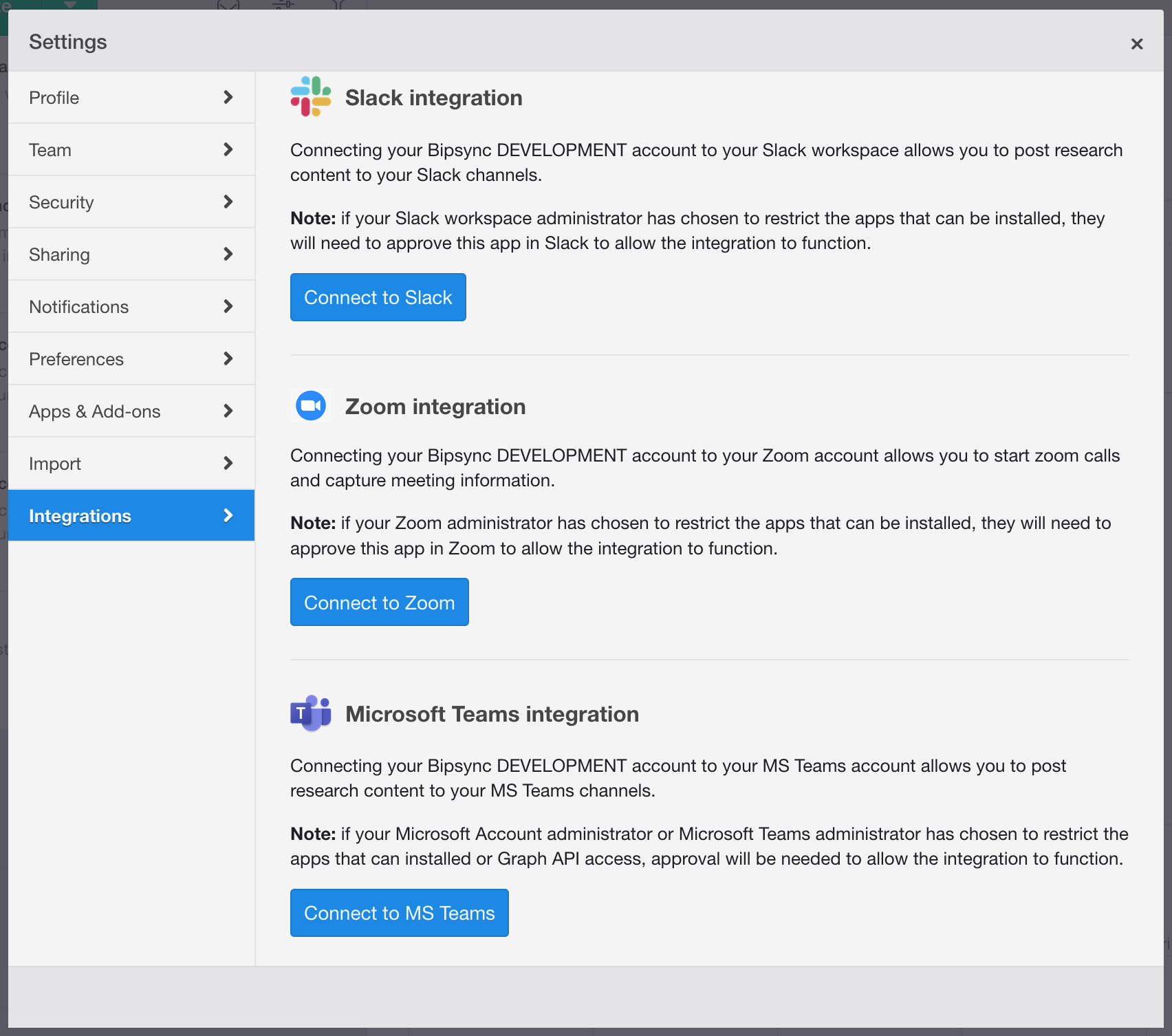
Integrations tab
You will now need to sign in to your Microsoft account, on successful sign in you will be redirected back to Bipsync.
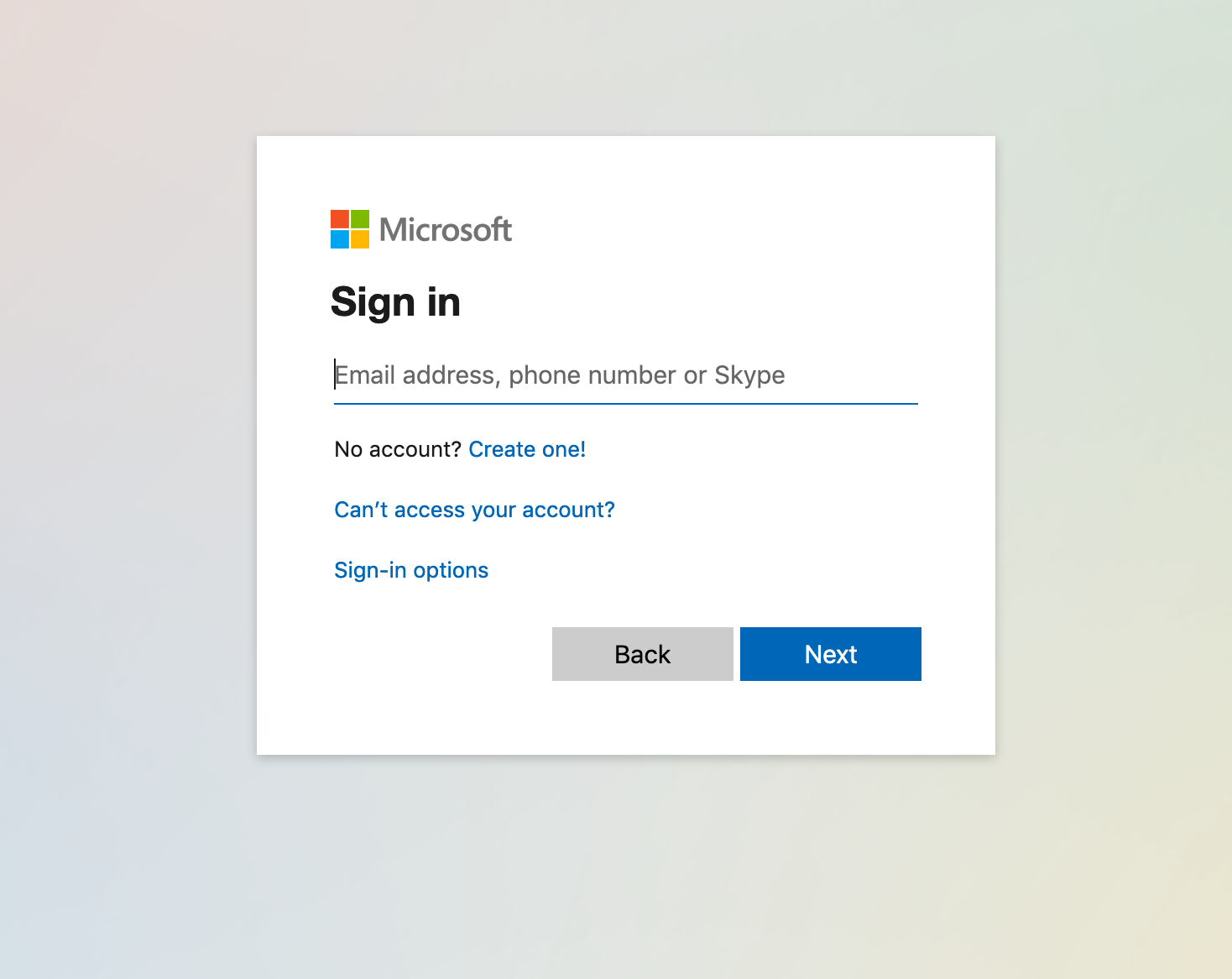
Example of the Microsoft sign in page
Within the integrations window you will see the integration status and the ability to revoke access.
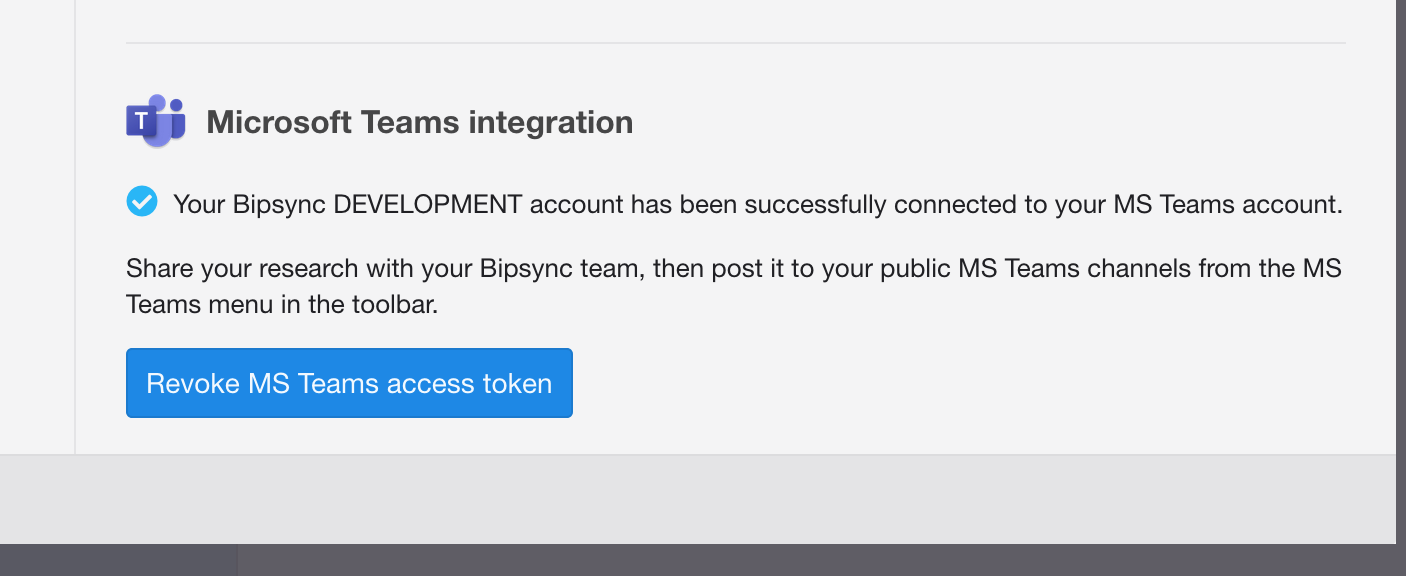
Integration status
Installing App in Teams
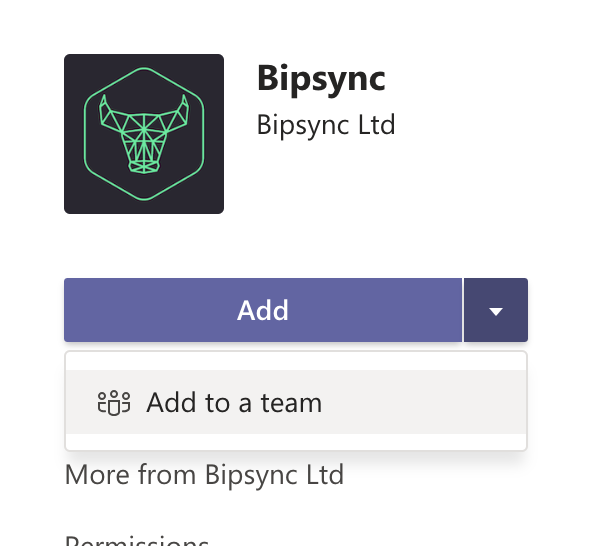
Within the Teams application search for the Bipsync App,
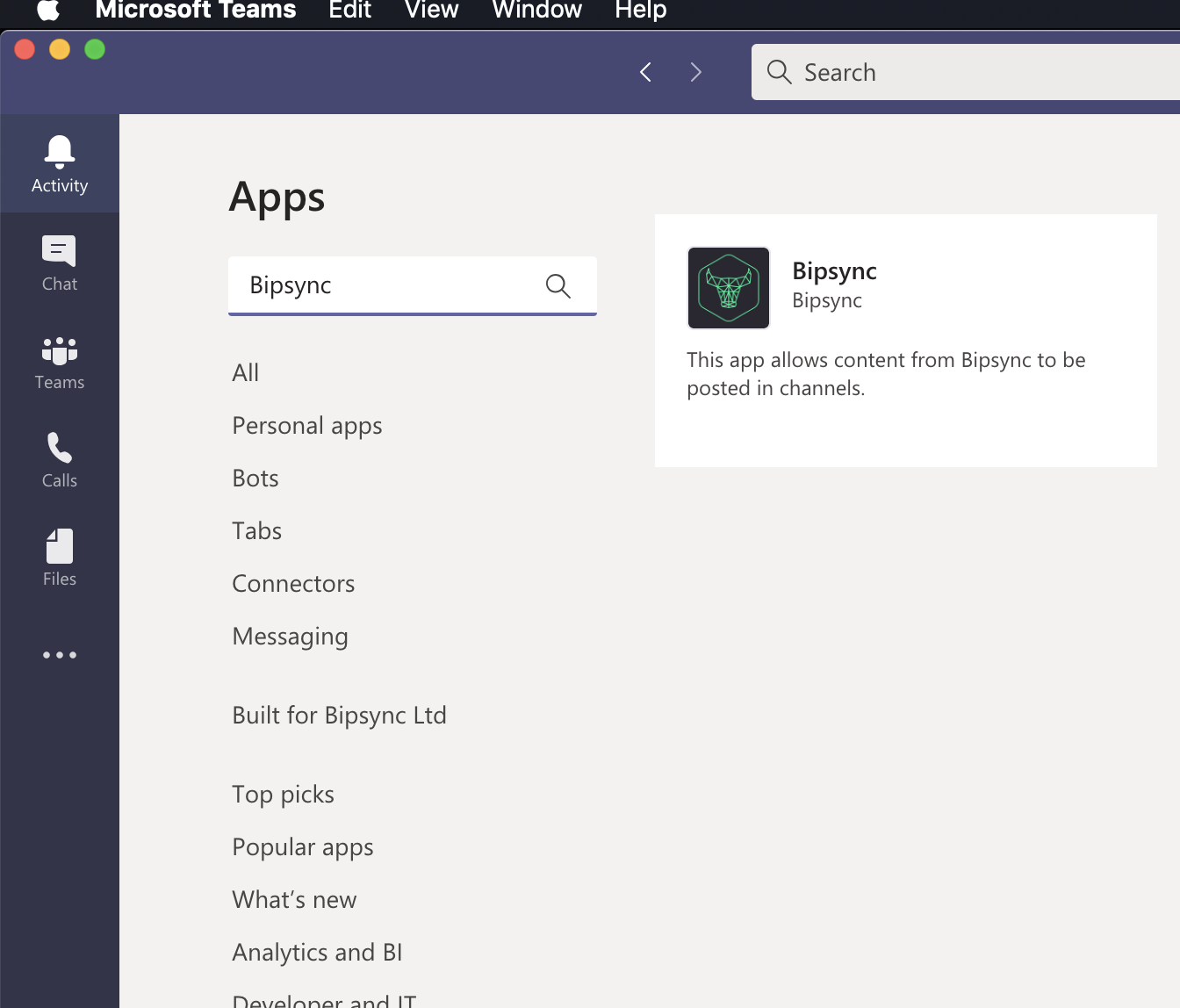
Next select “Add To Team”.
Select the team you wish to install the Bot into and press “Set up a bot“ to install the bot application.
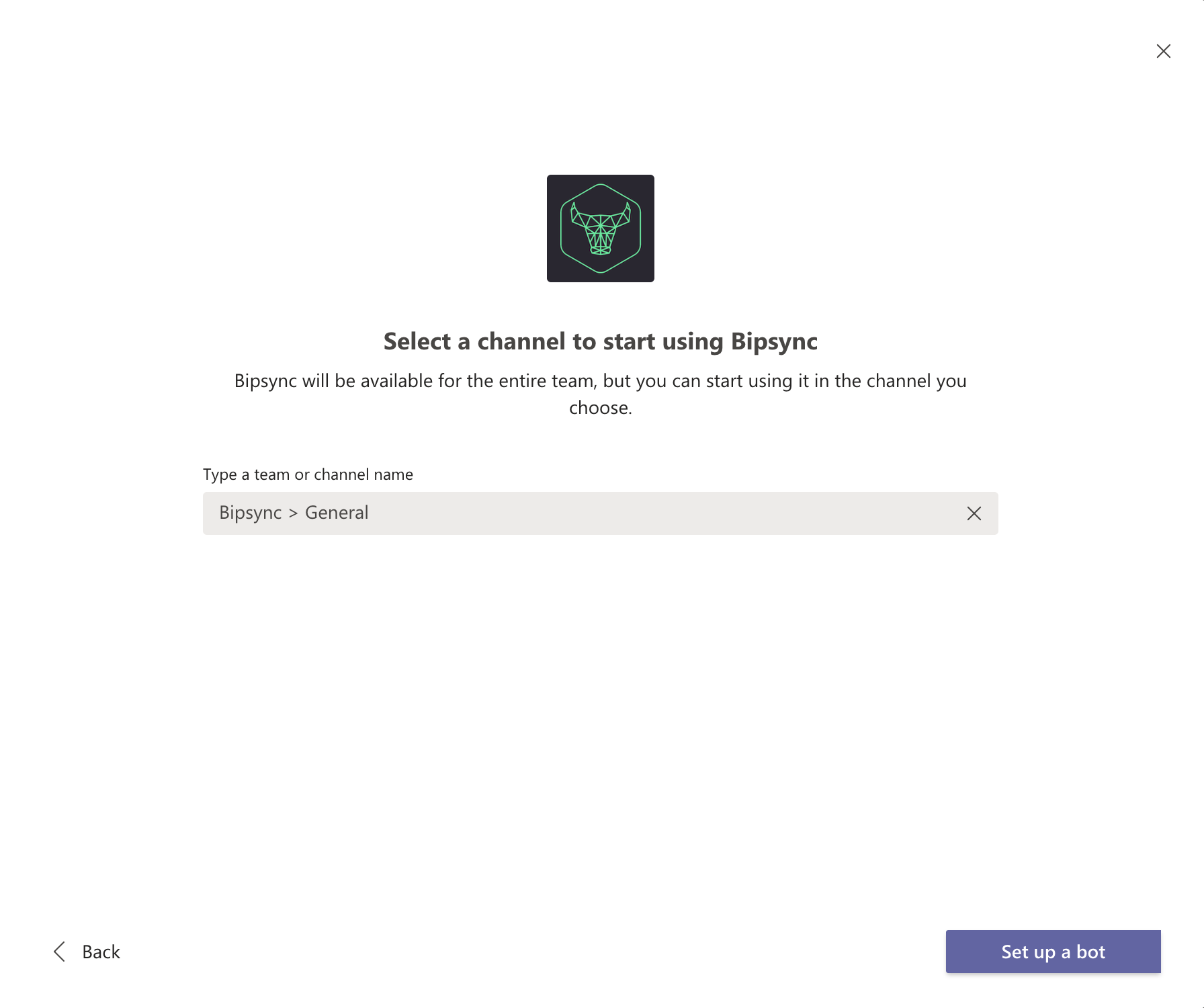
For each individual team within your Teams account that you would like to post to you will need install the Bipsync app to each team.
Posting to Teams Channel
Private channelsDue to limitations imposed by the Microsoft Teams API private channels are currently unsupported by the integration.
To post research to channels, create your research and set it to public.
You should now see a MS Teams button in the top bar, select this button and search for the teams you wish to post to.
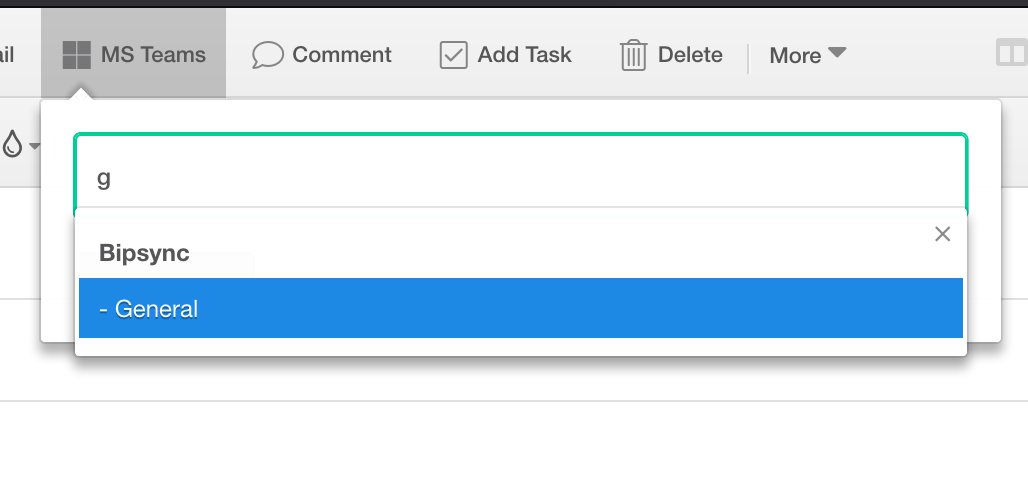
Selecting channels will enable the "Share Note" button.
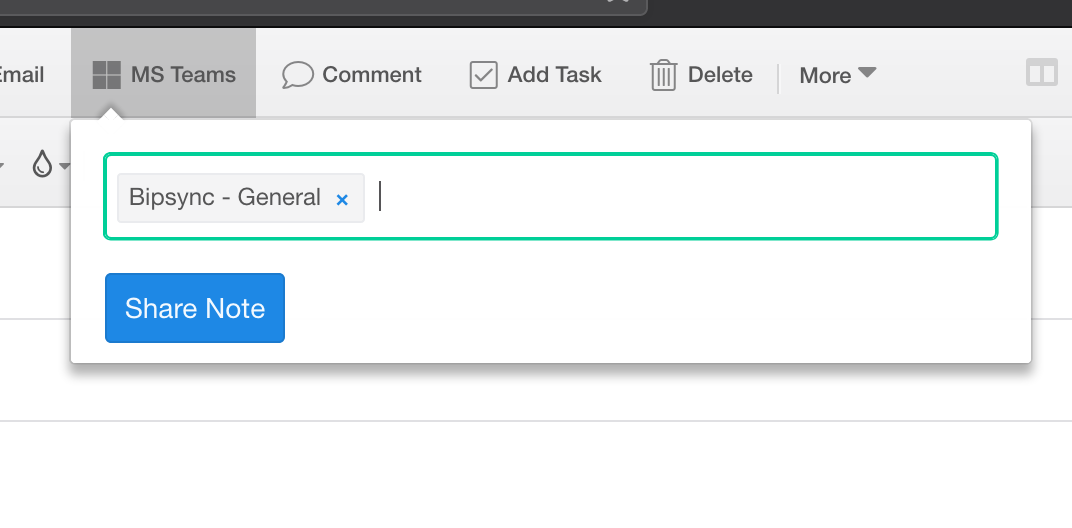
Once you’ve chosen the channels, press the “Share Note” button and your research will shortly be shared to the selected channels.
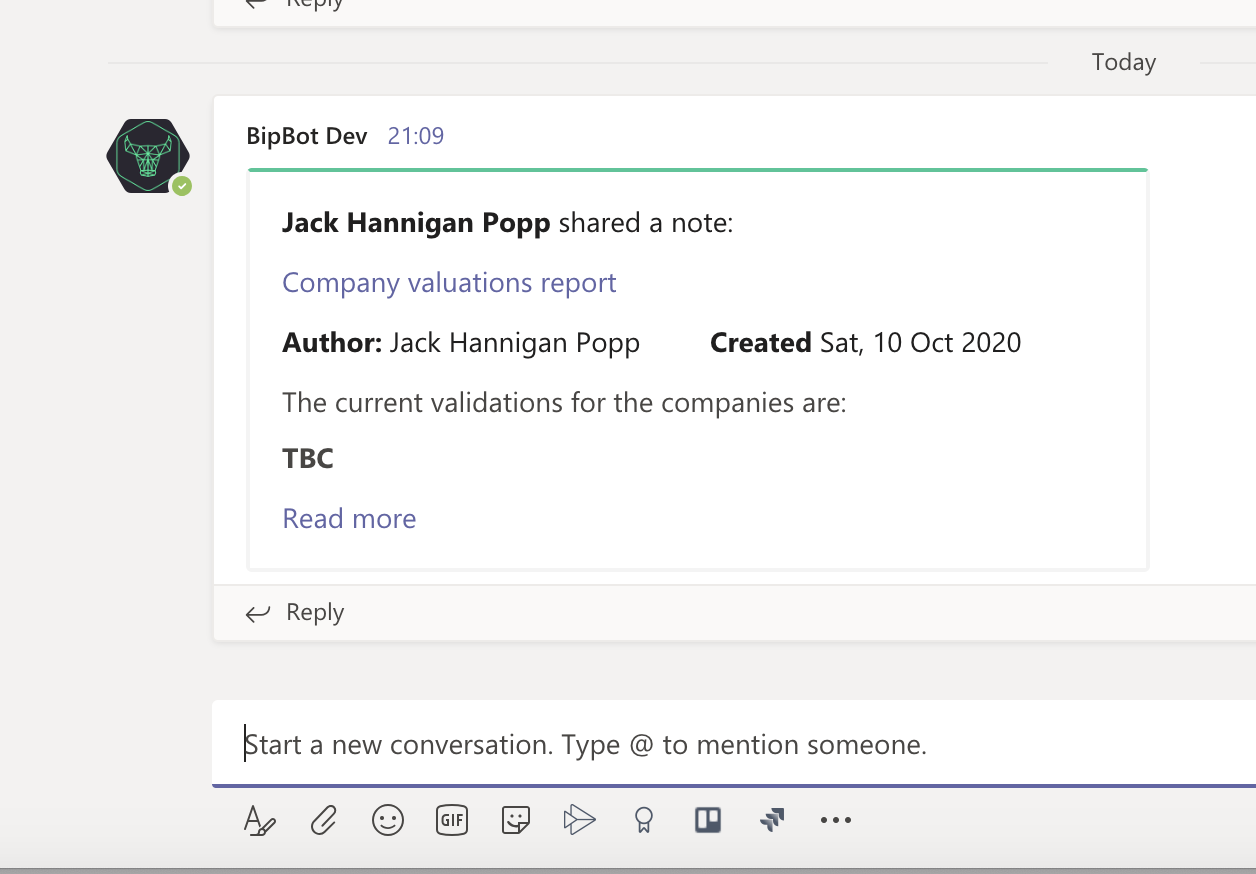
Then, any comments made by you or your colleagues in the thread will post back to Bipsync as comments on the original note.
Integration SupportFor more information regarding this integration or any support questions please contact us.
Updated about 1 year ago